gPlayer: your Telegram media, on the big screen.
gPlayer streams the videos, photos and documents in your own Telegram account straight to Fire TV and Android TV. Just your remote — no keyboard, no ads.
- Appstore downloads
- 3,000+
- Powered by
- TDLib
- License
- MIT
- Ads
- Zero
 Watch the demo
Apps by Effrix
Pick your edition
gPlayer is your personal Telegram-powered media viewer for TV devices, including Fire TV. Clean, distraction-free, optimized for remote navigation and smooth playback of even large files — and your media stays private in your account. There are two editions on the Amazon Appstore: Edition 2 is the advanced version for all devices, and Edition 1 is a lightweight Telegram player.
Appstore Edition 2 · Advanced
gPlayer Media Player
The advanced edition for all devices. A reimagined personal video player powered by Telegram's official TDLib API, with high-performance playback and zero ads. New login features are coming soon.
Appstore Edition 1 · Lite
gPlayer for Fire TV
A lightweight Telegram player. Stream videos, watch personal documents and explore your saved channels with a standard TV remote.
Features
Built for the couch
Designed from the ground up for big screens, Fire TV Stick, and Android TV remote navigation.
Remote-only control
Browse and play Telegram media and personal files using only your TV remote. No keyboard or mouse required.
Smooth large-file playback
Optimised for smooth playback of large Telegram videos and media on TV devices — no hassle.
Distraction-free
Clean interface with Telegram media integration.
Lightweight & fast
Fast-loading viewer for Telegram and personal media.
Easy navigation
Move through your chats and personal media library.
Private & secure
Your Telegram and personal media stay in your account.
Fire TV ready
Works on Fire TV and other TV devices with full Telegram compatibility.
Telegram on TV
Access and view Telegram media directly on your TV.
Large files, no hassle
Supports playback of large Telegram media files seamlessly.
No keyboard needed
Enjoy Telegram content without a keyboard or mouse.
Screenshots
See it on Fire TV
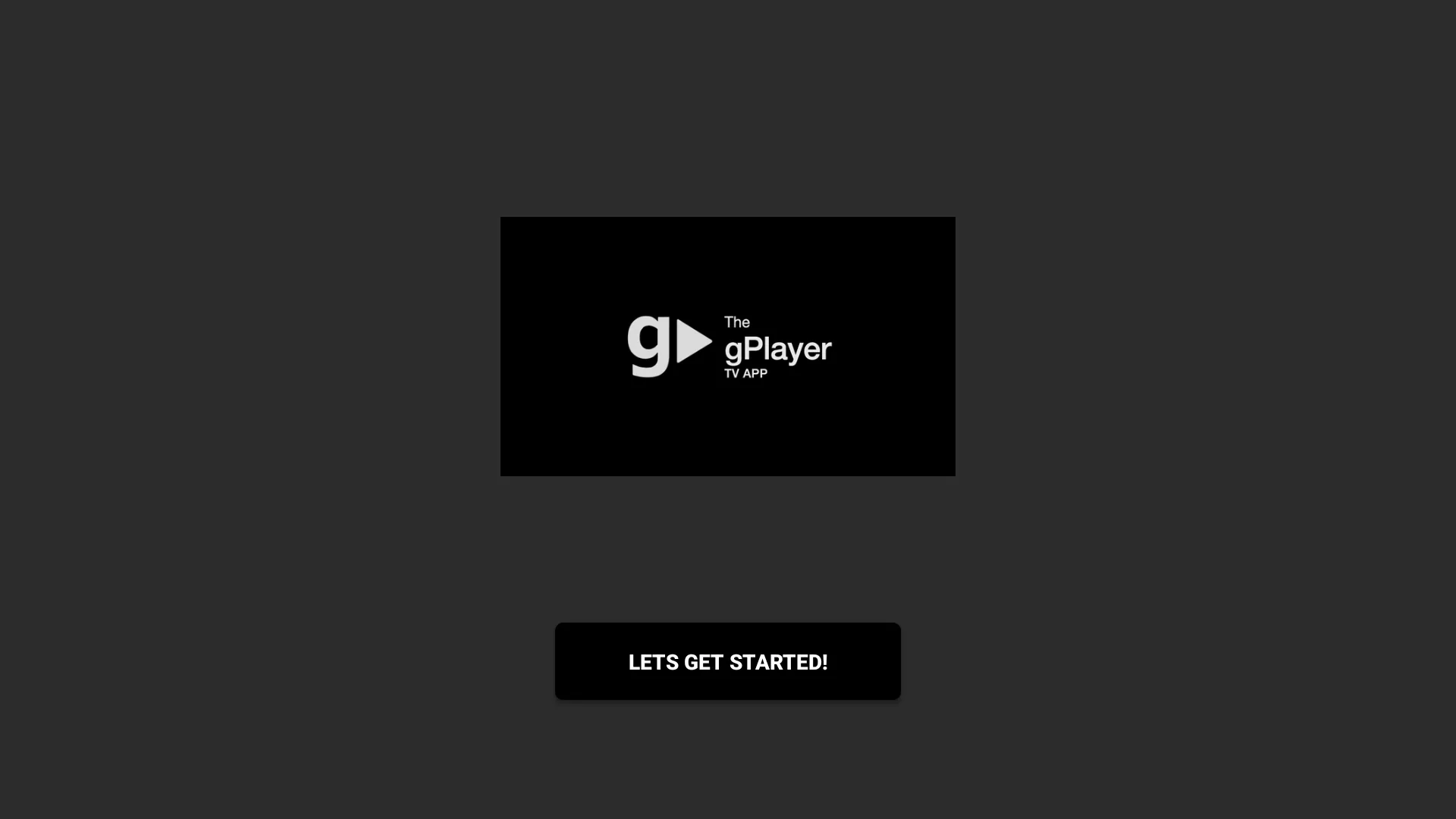
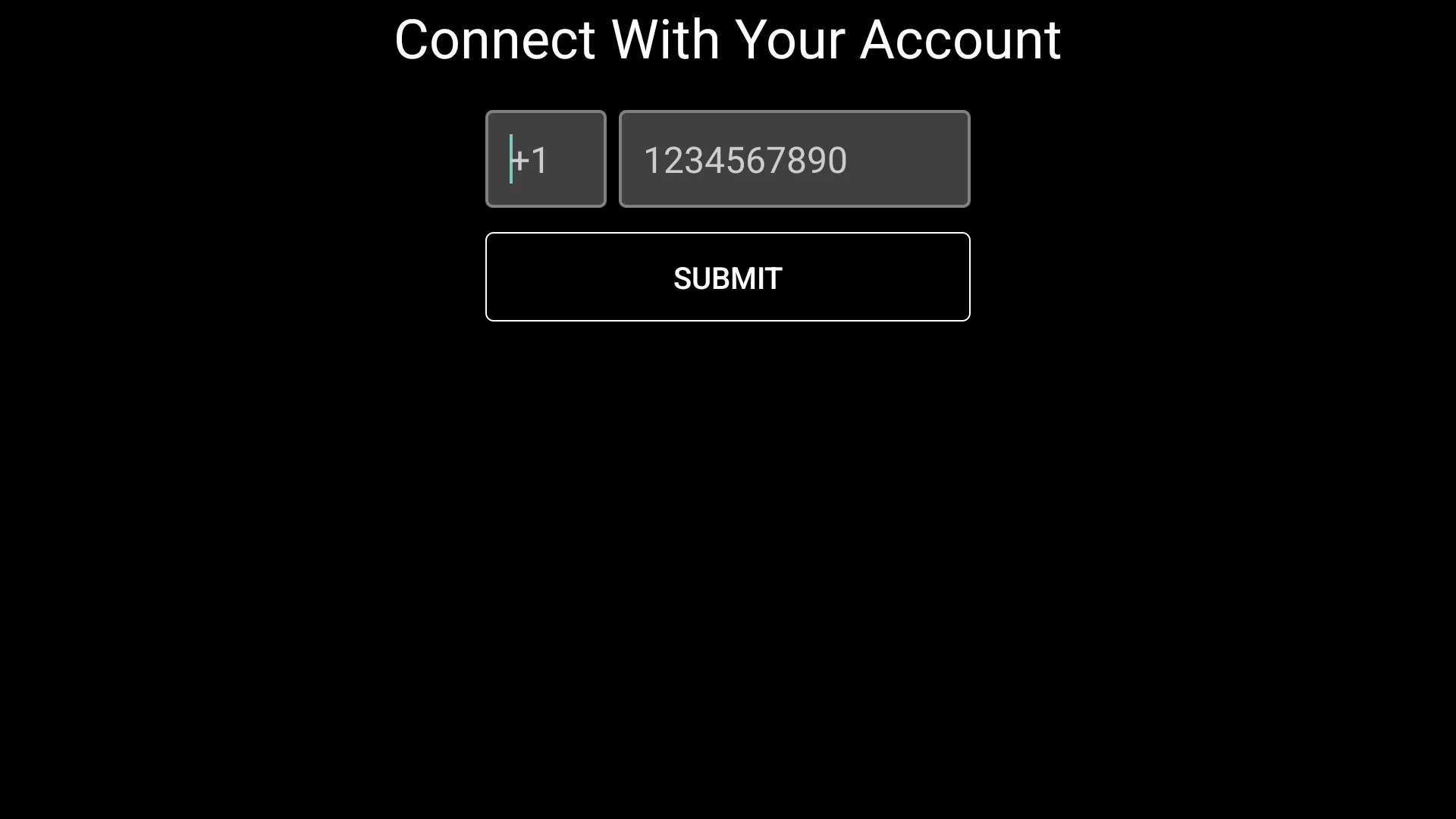
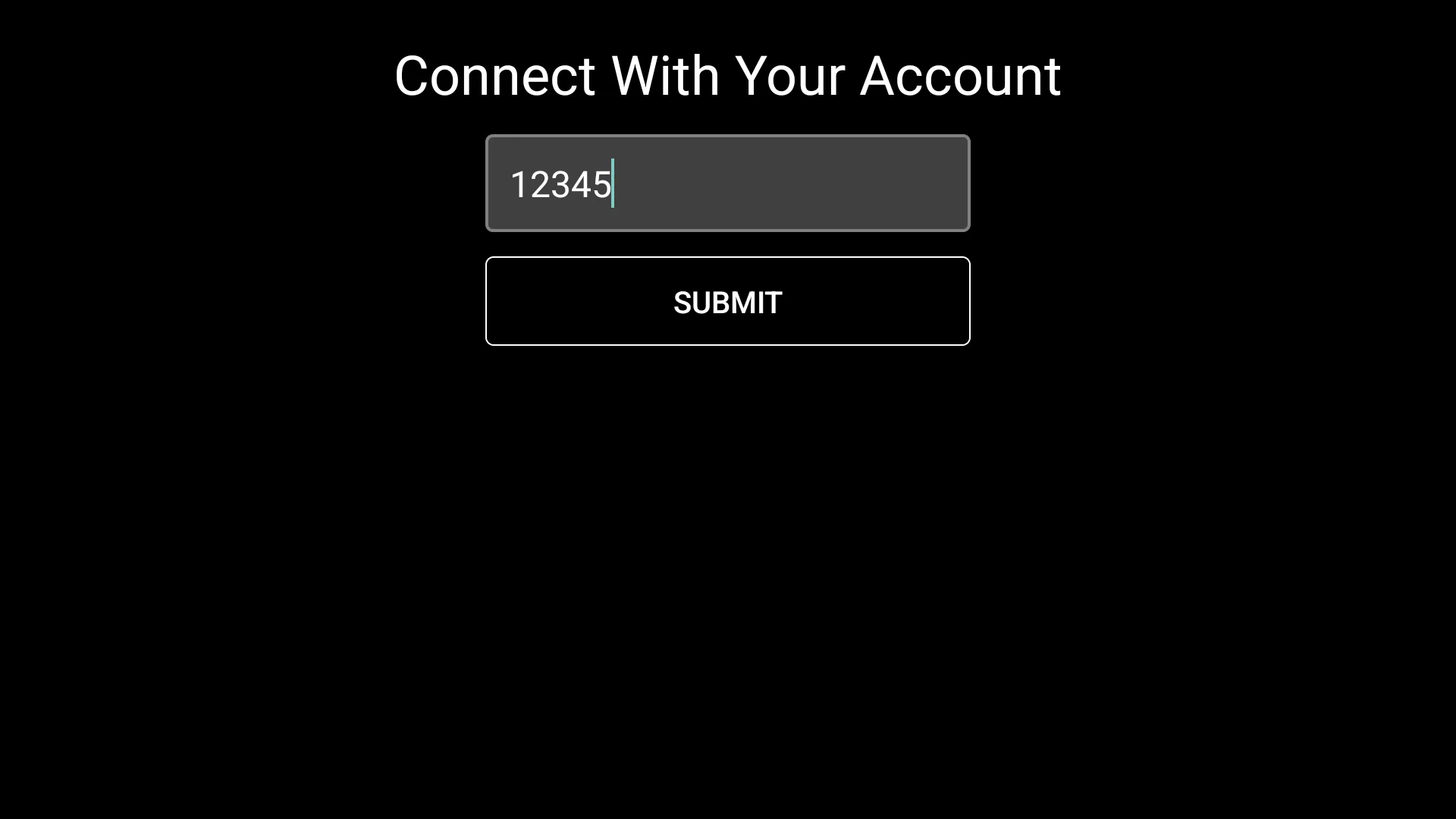
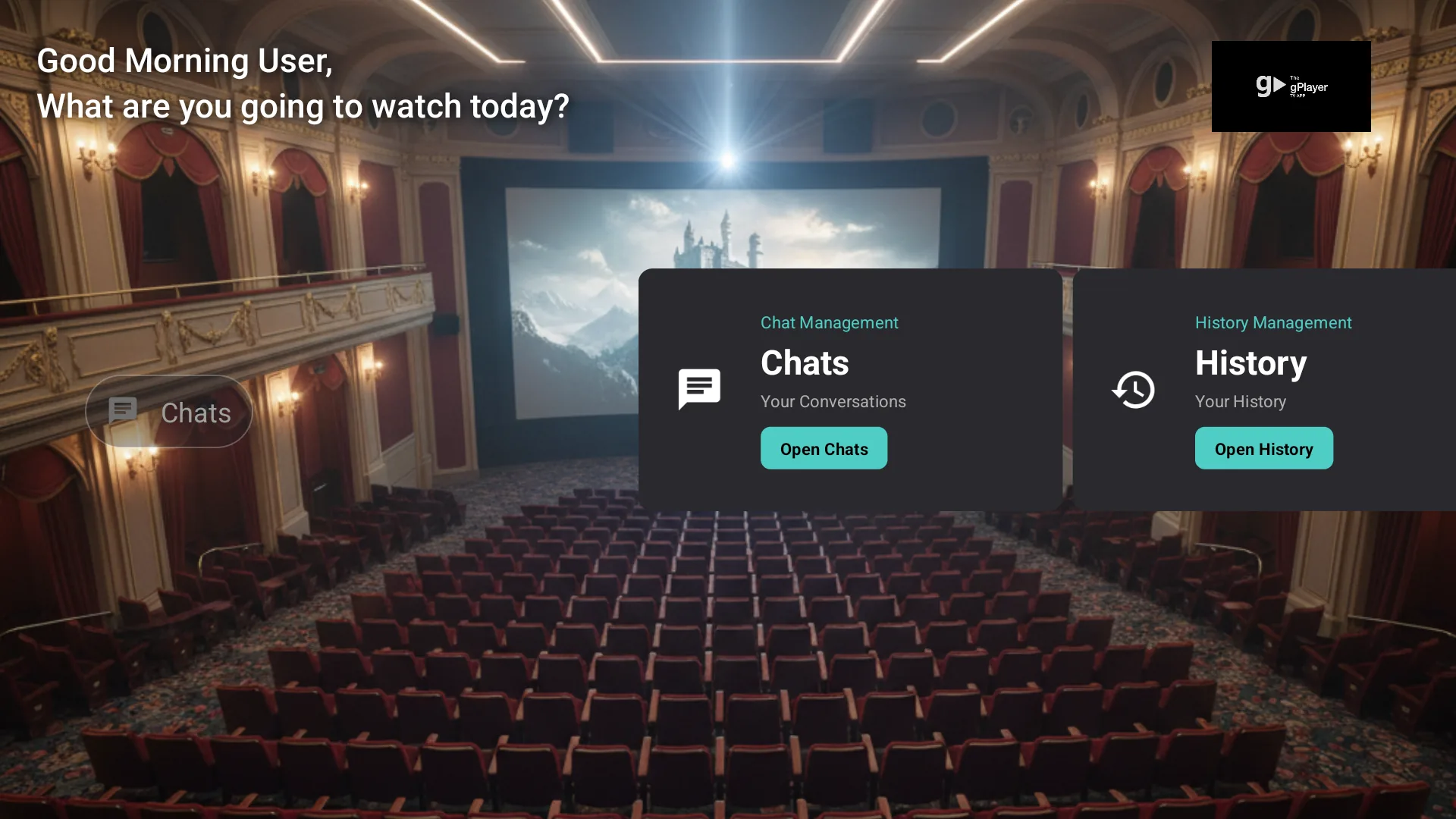
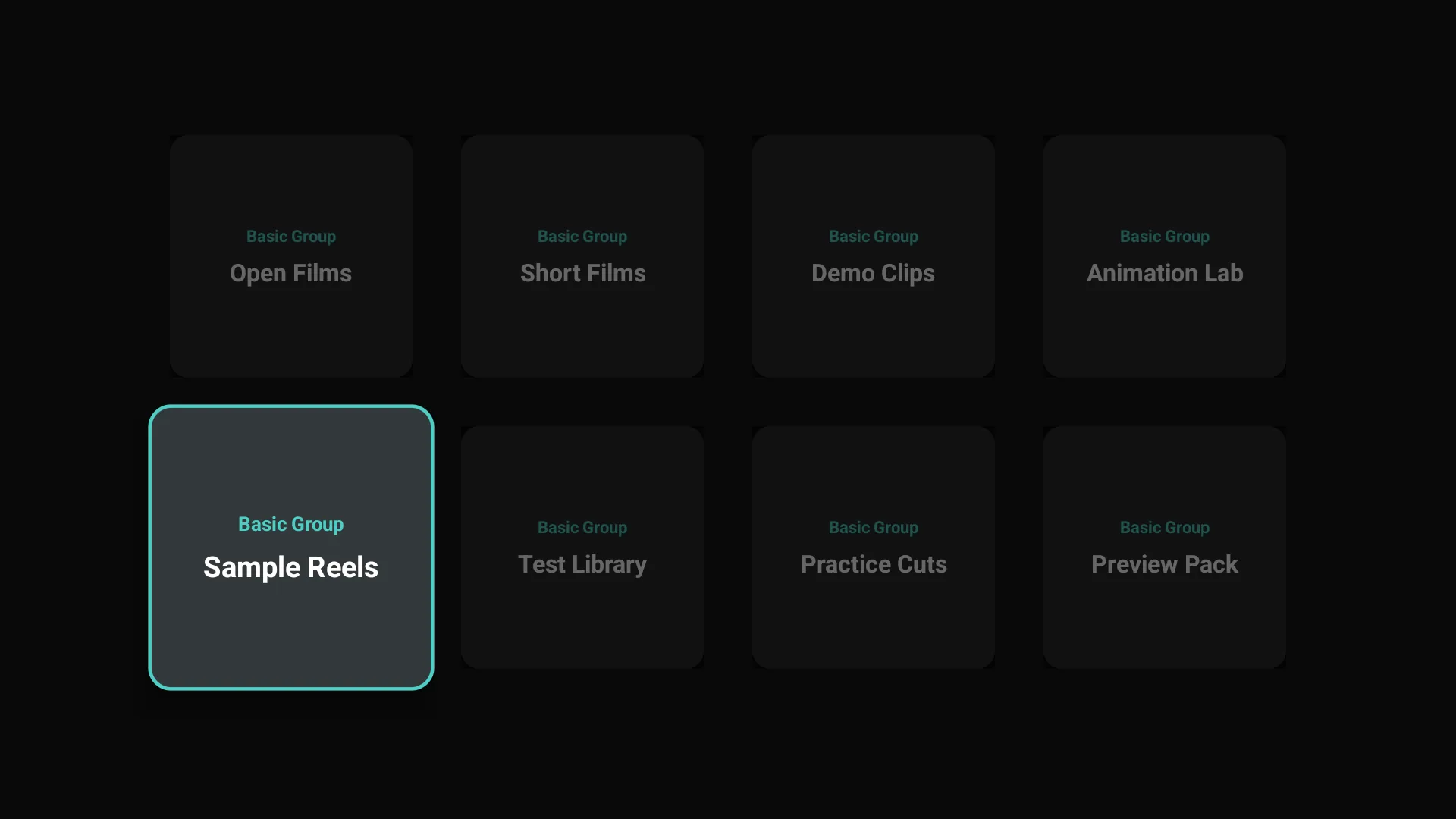
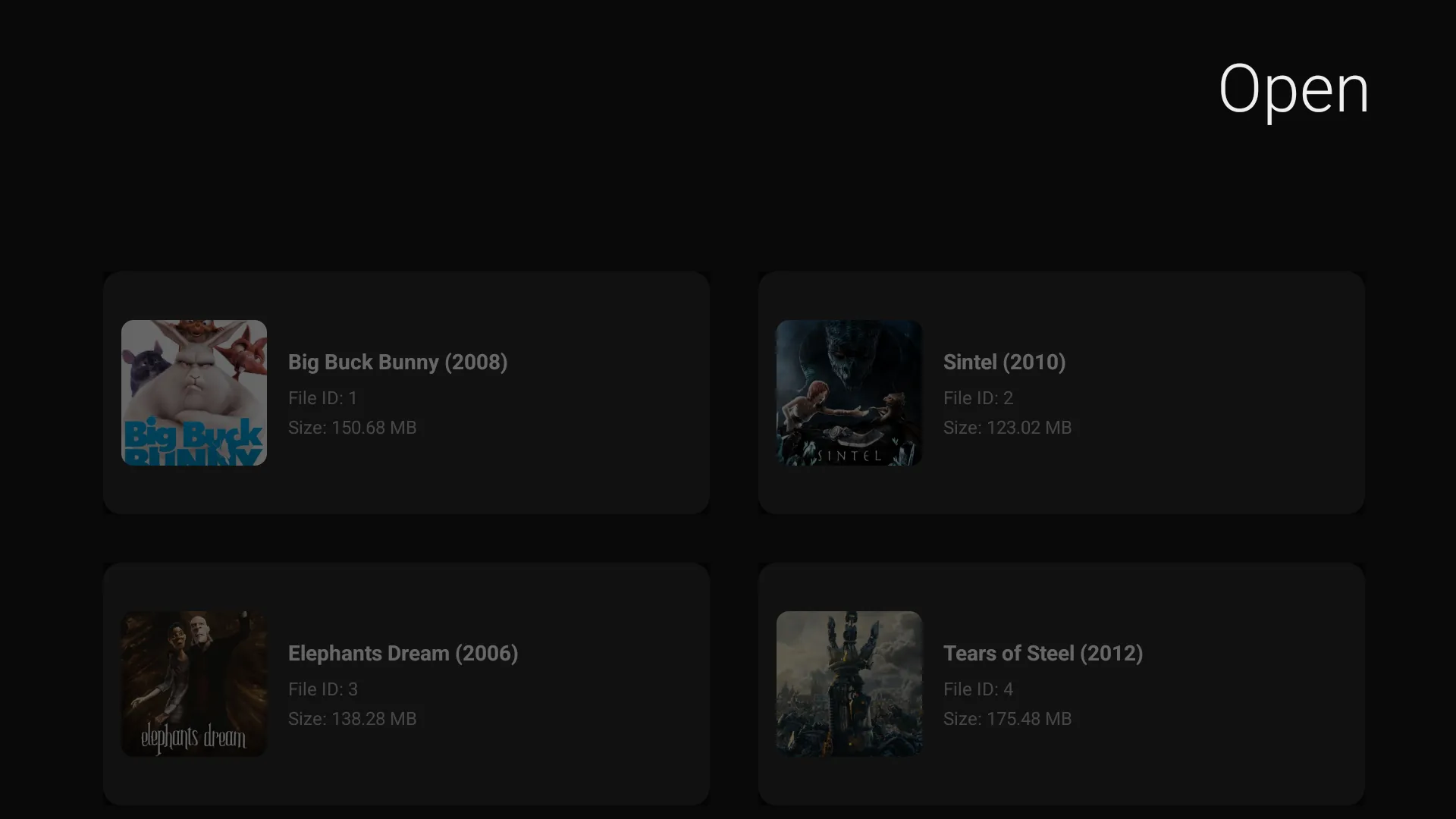
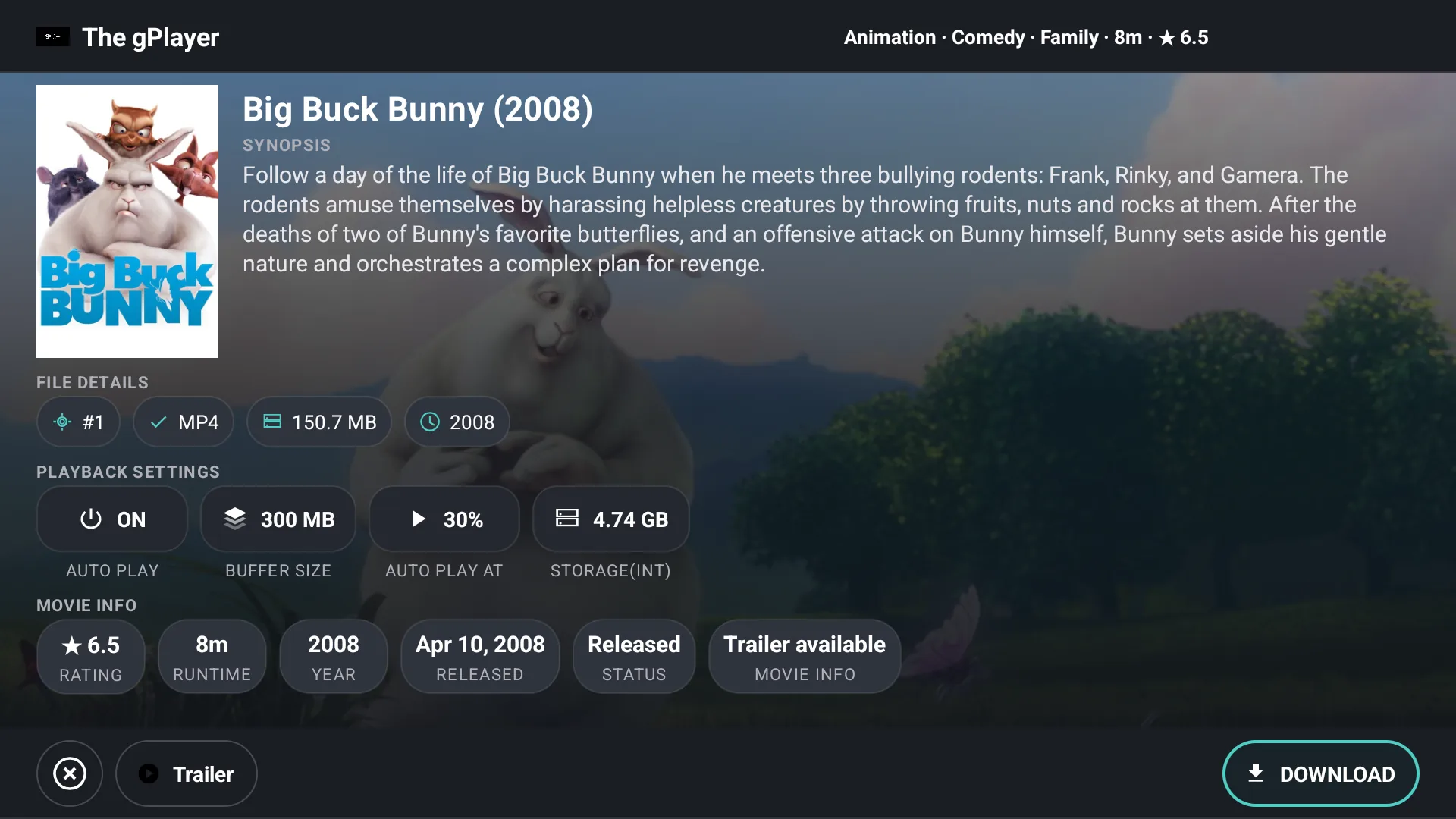
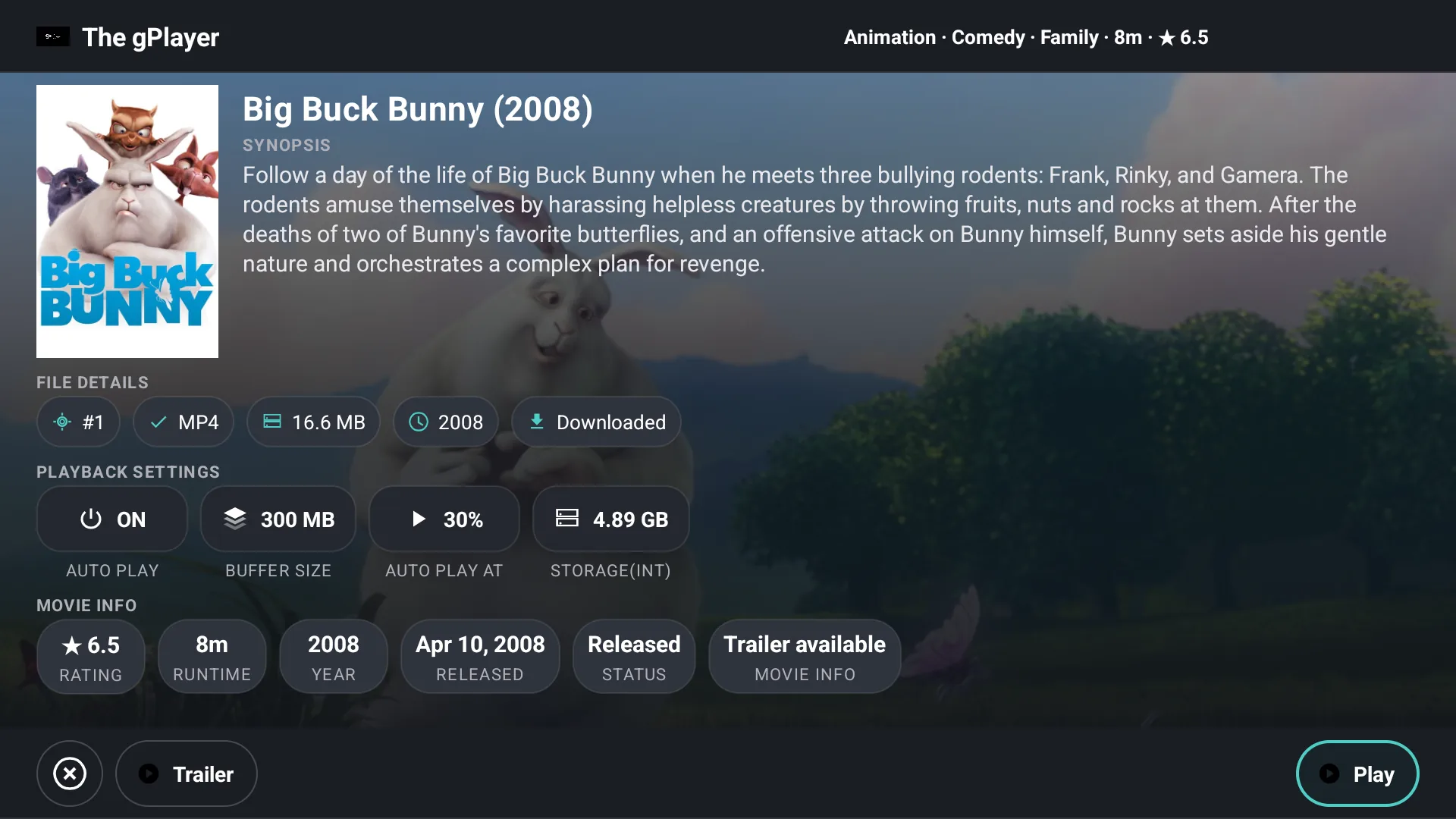
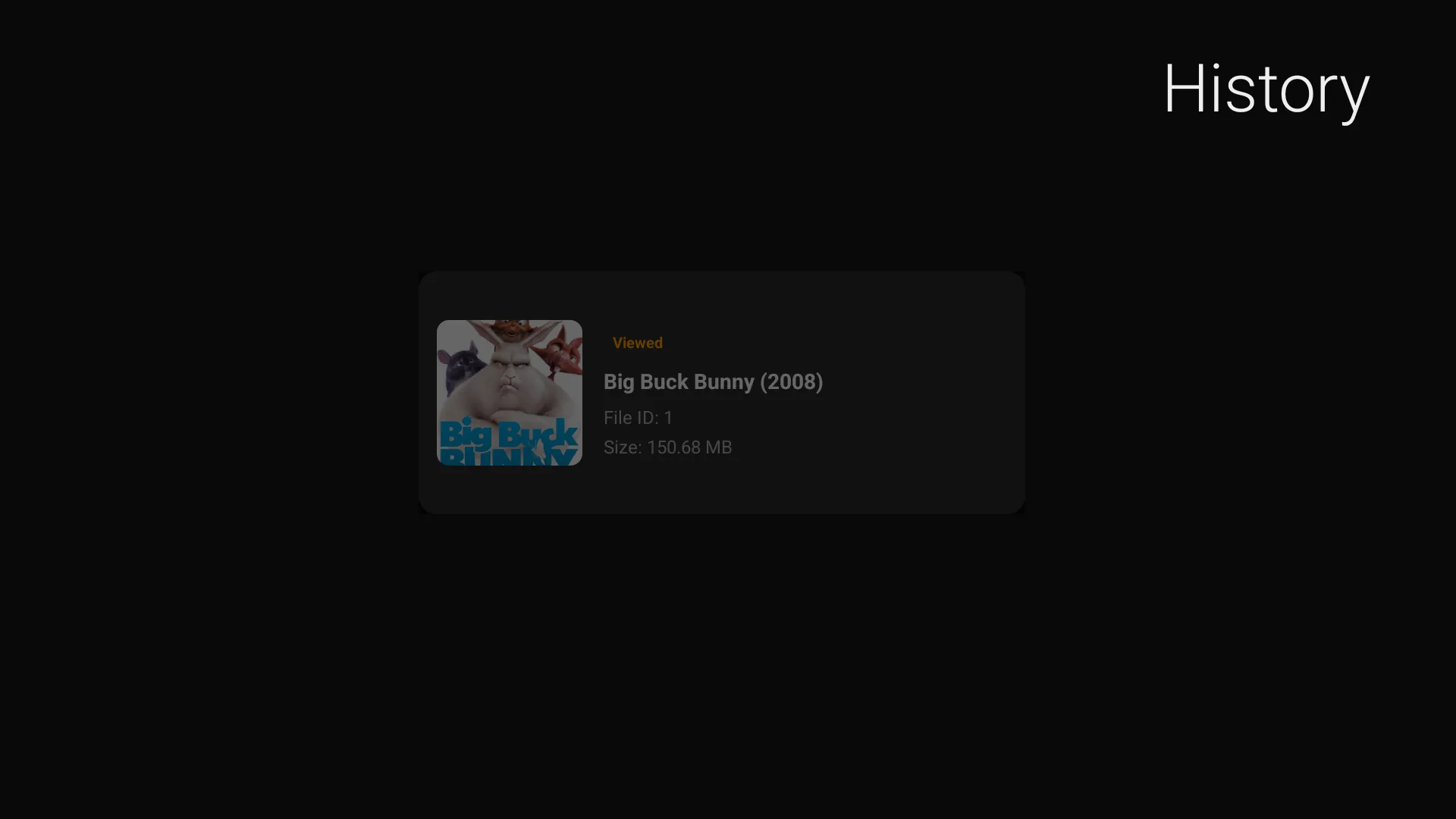
From onboarding through playback and history. Tap any screenshot to open the gallery.

Get started
Log in with Telegram
-
1
Enter your Telegram phone number (do not include the "+" sign).
-
2
Check your Telegram app — you will receive an authentication code on your phone or logged-in device.
-
3
Enter the code in gPlayer to complete the login.
-
4
You're now connected — your Telegram media will be available on your TV.
About Telegram
Telegram is a widely used messaging platform known for its speed, simplicity, and strong security. With cloud-based storage and privacy-focused features, it lets you keep messages and media accessible across devices. gPlayer builds on that foundation by surfacing your existing Telegram media library — chats, saved messages, and personal files — on the big screen for a comfortable TV viewing experience.
New to Telegram on TV? Read how to watch Telegram videos on Fire TV or on Android TV and Google TV, with every option compared.
Direct download
Sideload the latest APK
For Fire TV Stick, Android TV, or any Android device. The same build published to the Amazon Appstore — no extra permissions.
tgPlayer v3.4 (304) — Release
tgPlayer_v3.4_304_release.apk
On Fire TV, enable Apps from Unknown Sources, then open the APK with Downloader or send via adb: adb install tgPlayer_v3.4_304_release.apk
Also on Amazon Appstore: B0H85JCRT1 & B0FKZMV45T
Open source
Built in the open
gPlayer is open source under the MIT license, built on Telegram's official TDLib, and contributions are welcome.
- Star the repoShow support and stay updated on releases.
- Browse open issuesFind tasks that match your skills and interests.
- Good first issuesFiltered list ideal for first-time contributors.
- Fork and open a pull requestPropose changes directly from your fork.
- Report a bugOpen a new issue with steps to reproduce.
- Email the maintainerReach out directly with questions or ideas.
About Effrix & gPlayer privacy
gPlayer is an independent software tool and personal Telegram media player created for Smart TV platforms. The app connects strictly via Telegram's official TDLib API, allowing authorized users to access files, videos, and media stored within their personal account saved chats, channels, or groups.
Effrix and gPlayer do not host, store, stream, or distribute unauthorized third-party media. The app does not download content from unauthorized internet sources.